Why Does Your C Drive Have So Much Cache Taking Up Space?
If you've ever opened File Explorer and noticed your C drive is running dangerously low on space, you're not alone. One of the most common culprits behind a bloated system drive is cached data — files that silently accumulate over weeks, months, and even years of normal computer use. Understanding why this happens is the first step toward reclaiming your storage and keeping your PC running smoothly.
What Exactly Is Cache, and Why Does Your System Create It?
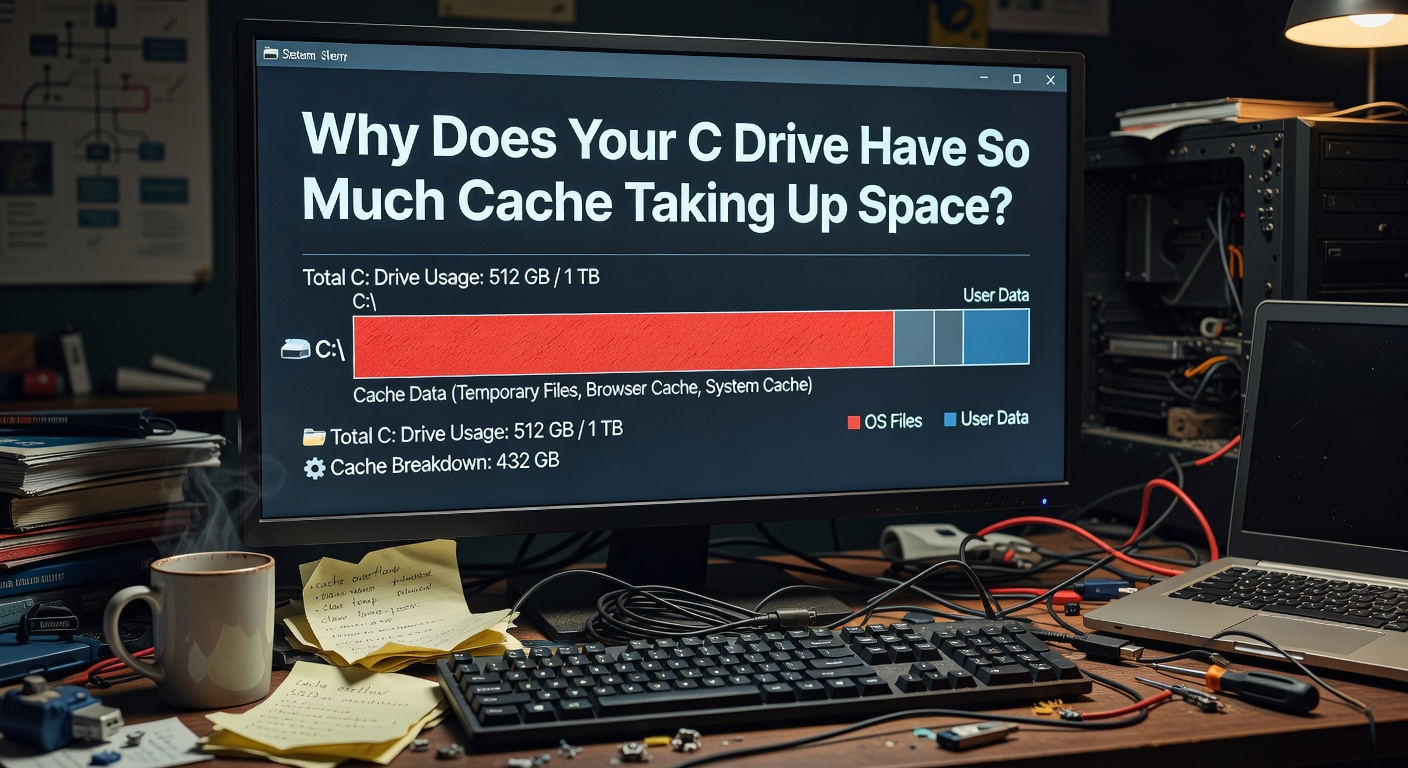
Cache is temporary data stored by your operating system, web browsers, and applications to speed up future operations. Instead of fetching information from scratch every time, your computer saves a local copy so it can load things faster the next time around. In theory, this is a smart optimization. In practice, it leads to a massive buildup of files that quietly consume gigabytes of valuable disk space on your C drive.
The Main Types of Cache Eating Your Storage
Why Does Cache Accumulate So Quickly?
The core issue is simple: most cache systems are designed to write aggressively but clean up passively. Applications prioritize performance, so they cache everything they can. However, very few programs include robust mechanisms for automatically purging old or irrelevant cached files. The result is a one-way street — data flows in, but it rarely flows out.
Several factors accelerate this buildup:
How Much Space Can Cache Actually Waste?
On a typical Windows PC that hasn't been cleaned in six months, it is not uncommon to find 10–30 GB of unnecessary cached data on the C drive. For users with smaller SSDs (128 GB or 256 GB), this can represent a significant percentage of total available storage — enough to trigger low disk space warnings, slow down system performance, and even prevent Windows updates from installing.
The Smart Way to Reclaim Your C Drive Space
Manually hunting down cache folders across your system is tedious and risky — deleting the wrong file can cause application errors or system instability. This is exactly where a dedicated cleanup tool becomes essential.
ClearC is designed specifically to solve this problem. It intelligently scans your C drive, identifies all types of cached and temporary files, and lets you safely remove them with confidence. Unlike generic cleanup utilities, ClearC understands the structure of Windows cache systems and ensures that only truly unnecessary files are removed — protecting your system stability while maximizing the space you recover.
Take Action Now
Don't let invisible cache files silently consume your C drive. If your system feels sluggish or your storage is running low, there's a good chance cached data is the primary cause. Download ClearC today to perform a deep scan of your drive, visualize exactly what's taking up space, and reclaim the storage your system needs to perform at its best.
Comments
Leave a Comment